
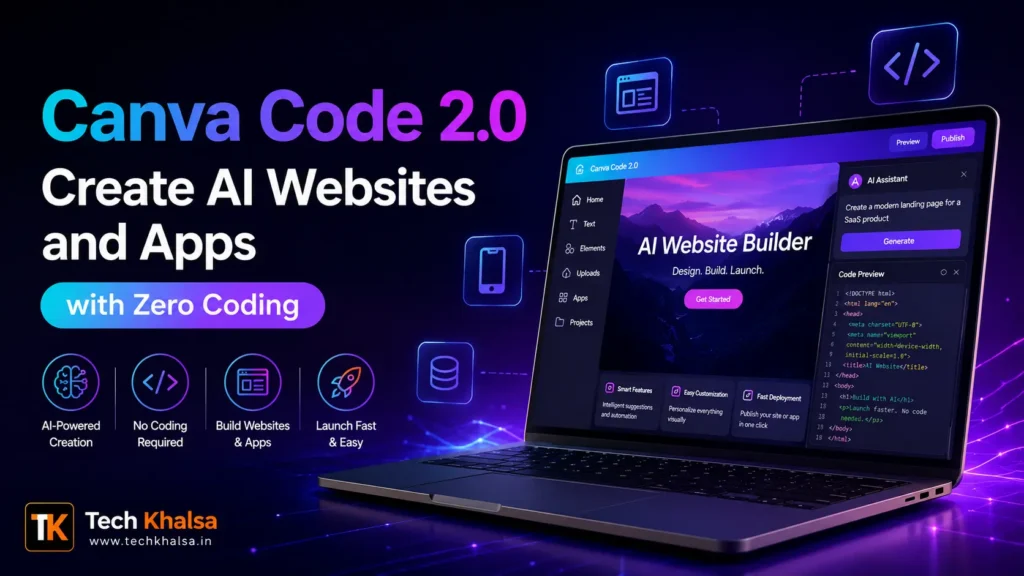
Canva has officially introduced Canva Code 2.0, a powerful AI-driven tool that allows users to create websites, apps, and interactive web experiences using simple text prompts. Designed to simplify coding for everyone, this latest update brings “vibe coding” into the Canva ecosystem—making web creation faster, easier, and more accessible than ever before.
The best part? Canva Code 2.0 is now available for all users, including Free, Pro, Business, Enterprise, and Education plans.
Table of Contents
What is Canva Code 2.0?
Canva Code 2.0 is an AI-powered feature that enables users to build and edit digital experiences without traditional coding knowledge. By simply typing prompts, users can generate layouts, designs, and even functional web elements.
This tool is fully integrated into Canva’s existing editor, meaning you can use it directly inside presentations, documents, or whiteboards without switching platforms.
For official details, visit Canva’s announcement page:
https://www.canva.com/newsroom/news/Canva-Code/
Key Features of Canva Code 2.0
- AI-powered website and app creation using text prompts
- 50+ pre-built templates for interactive designs
- Full access to Canva’s media library and custom uploads
- HTML Import feature to edit existing projects
- Real-time collaboration for teams
- Automatic responsiveness for different screen sizes
- One-click publishing to Canva domains or custom domains
How Canva Code 2.0 Works
Canva Code 2.0 blends AI coding with a visual editing interface. Users can simply describe what they want—like a landing page or portfolio—and Canva generates a working design. You can then:
- Drag and drop images directly from Canva’s library
- Customize fonts, colors, and layouts using the toolbar
- Click on any section to edit text instantly
- Use conversational AI to refine specific elements
For example, if you create a landing page, you can select a button and ask Canva AI to “make it more modern” or “change it to a gradient style,” and it will update automatically.
Read Also – Top-Rated Laptops Under 80000 in India for Gamers & Creators
HTML Import and Editing Made Easy
One of the standout features of Canva Code 2.0 is its HTML Import tool, which makes it easy for users to bring in projects created with other AI tools or coding platforms and continue working on them inside Canva. Instead of rebuilding everything from scratch, users can import HTML files, edit them visually within Canva’s editor, and further enhance the design using AI prompts, making the feature especially useful for developers and designers who want to refine existing work quickly.
Collaboration and Publishing Options
Canva Code 2.0 is designed for team workflows, allowing multiple users to collaborate in real time, leave comments and feedback, and review designs instantly within the same project. When a design is finished, teams can publish it to a free Canva domain, connect a custom domain, or share it securely across their organization using single sign-on, and every project is automatically optimized to look and function correctly on both mobile and desktop screens.
Why Canva Code 2.0 is a Game Changer
Canva is redefining how people approach web development. By eliminating the need for traditional coding skills, Canva Code 2.0 empowers anyone—from beginners to professionals—to create high-quality digital experiences.
Its combination of AI, templates, and visual editing makes it ideal for entrepreneurs building websites, designers creating interactive portfolios, teams collaborating on digital projects. This move positions Canva as a strong competitor in the no-code and AI website builder space.
Read Also – Realme Narzo 100x 5G Launched in India — Massive 8,000mAh Battery and 5G Performance
